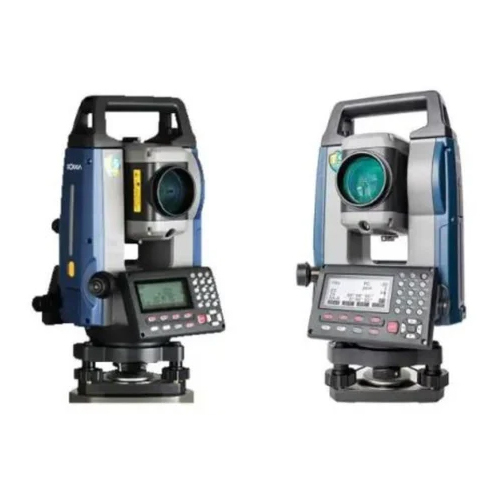
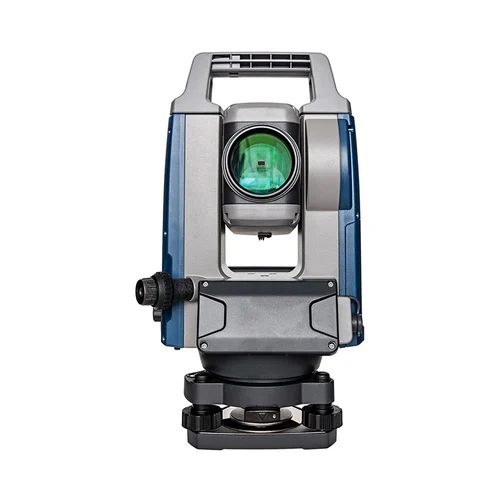
Product Description
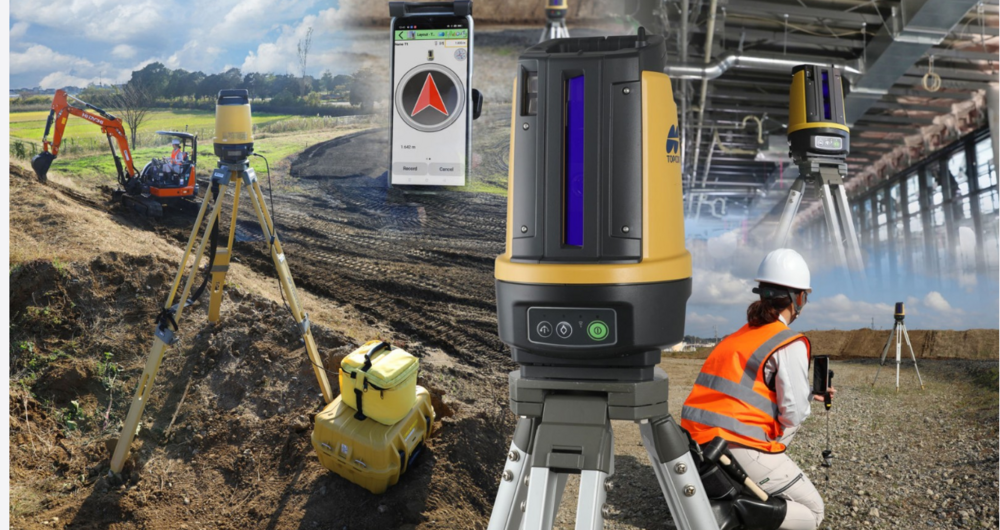
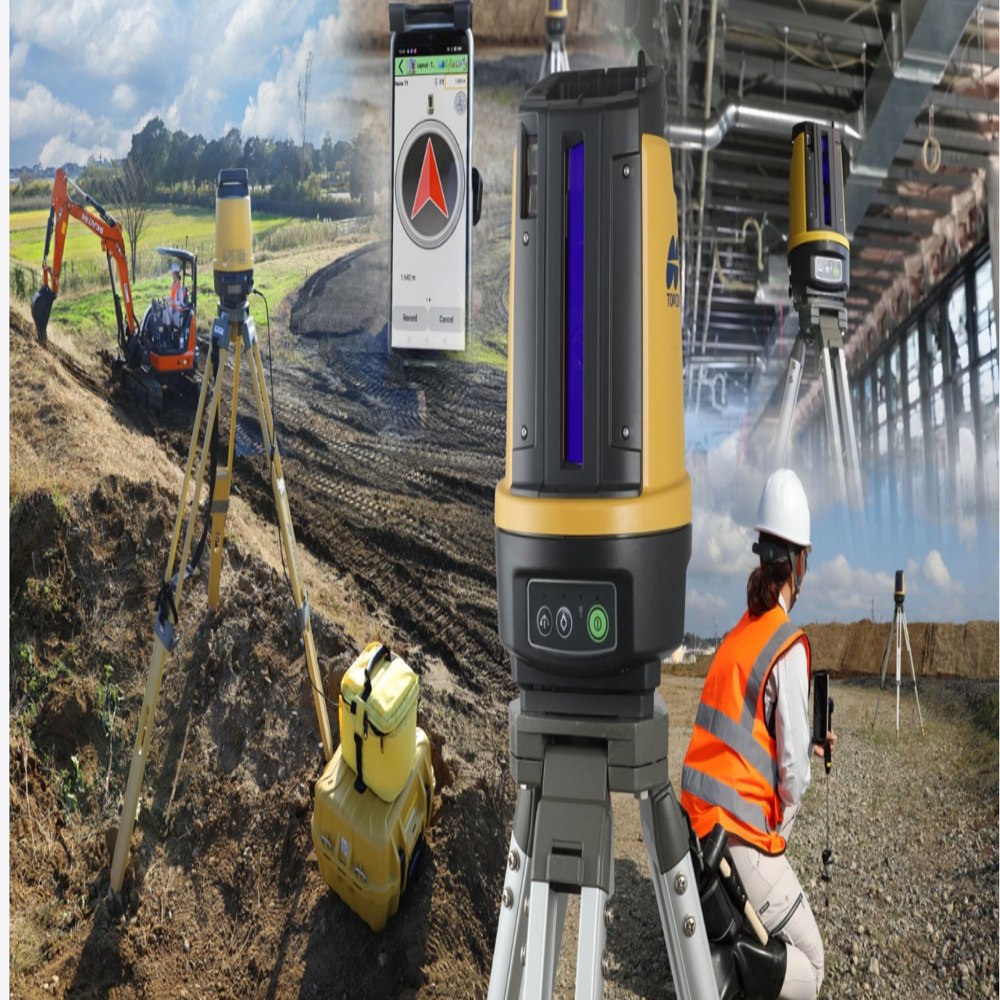
The Topcon LN-150 Layout Navigator is a compact, single-operator 3D robotic tool designed for precise indoor/outdoor construction layout and as-built tasks. It features fast, one-button self-leveling, WiFi/Bluetooth connectivity, and integrates with tablets using
MAGNET Construct software to automate tasks, replacing manual tape measures.

Advanced Precision for Large ProjectsThe Layout Navigator employs a cutting-edge laser-based positioning system to guarantee highly accurate layouts on expansive construction and interior projects. Easy mobile device compatibility empowers users to control the device remotely, streamlining workflow on-site.
Flexible Power and Connectivity OptionsChoose between rechargeable battery or mains power to suit your working environment. With both Bluetooth and wireless connectivity built-in, the Layout Navigator integrates effortlessly with app-based controls for enhanced mobility and convenience.
Optimized for One-Person OperationDesigned with efficiency in mind, this Layout Navigator allows a single operator to handle complex site layouts. The intuitive digital display and remote-control interface minimize setup time, speeding up projects without compromising accuracy.
FAQ's of Layout Navigator:
Q: How does the Layout Navigator enhance accuracy in construction and surveying applications?
A: The Layout Navigator uses a high-precision laser-based positioning system combined with digital on-screen display, ensuring accurate layout for construction, surveying, and mapping tasks. Its advanced features minimize errors and improve alignment efficiency.
Q: What is the process for setting up and operating the Layout Navigator on-site?
A: Setup involves securely mounting the Navigator on a tripod and selecting a power source (rechargeable battery or mains). Connect the device via Bluetooth or wireless network to your mobile device, use the dedicated app for remote control, and follow the digital display prompts for fast, precise layout.
Q: When is the best time to use the Layout Navigator during a project?
A: The Layout Navigator is most effective during initial site layout, interior installations, or whenever precise placement is critical. Its automation and remote capabilities make it ideal at stages requiring speed and accuracy with minimal personnel.
Q: Where can the Layout Navigator be used?
A: This device is suitable for large construction sites, interior fit-outs, mapping environments, and complex surveying projects. Its portability and flexible power options allow it to function in various settings, indoors and outdoors.
Q: What are the main benefits of using the Layout Navigator over traditional layout tools?
A: Benefits include one-person operation, high-precision results, fast digital layouts, wireless control through a mobile app, and multi-power flexibility. These features save time, reduce labor costs, and enhance overall project productivity.
Q: How does the wireless and Bluetooth connectivity support workflow?
A: Wireless and Bluetooth connectivity enable seamless integration with mobile devices, allowing remote control and operation via an app. This facilitates one-person operation from a distance, improves user safety, and ensures flexible positioning.